How to Use BABOO® Wearable Breast Pump
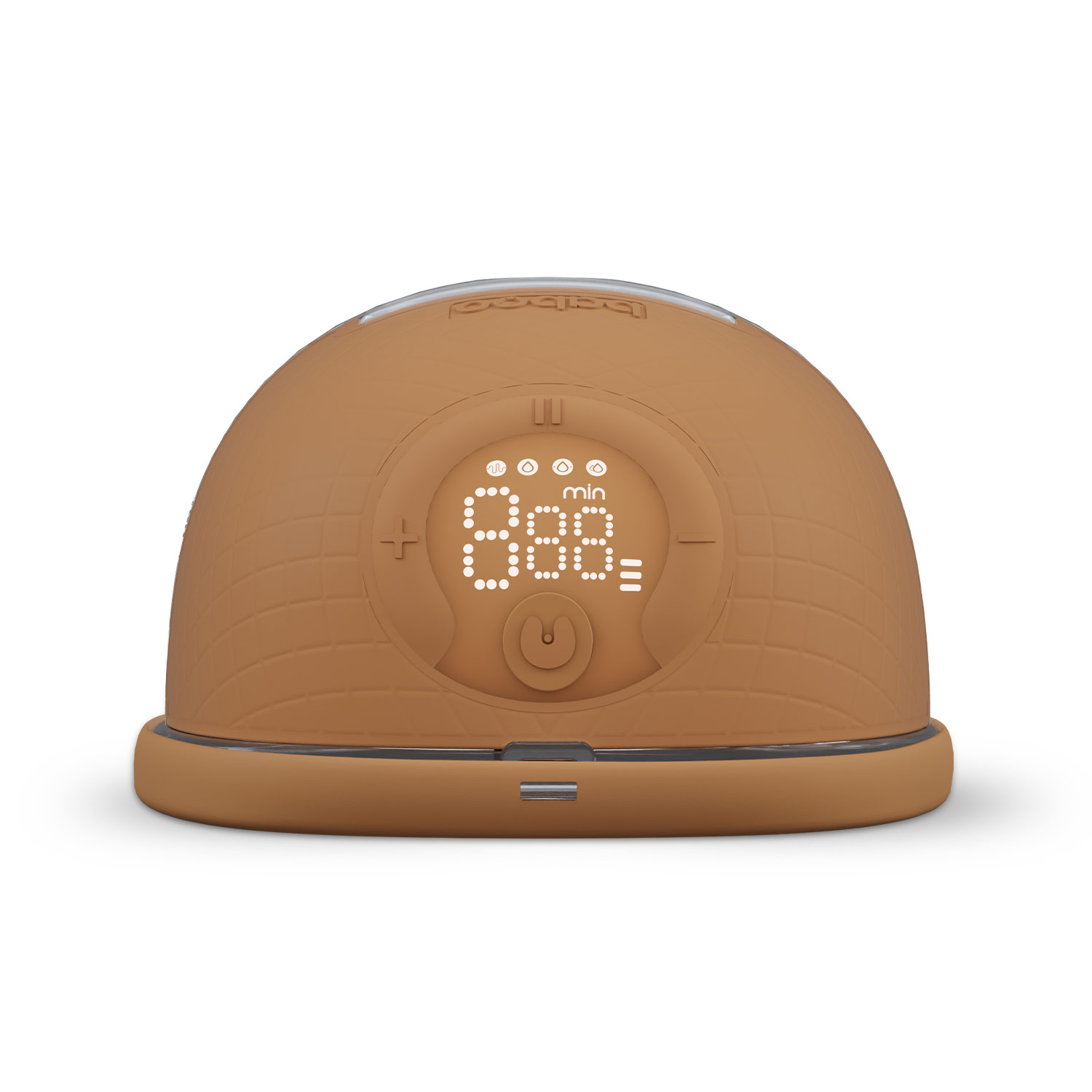
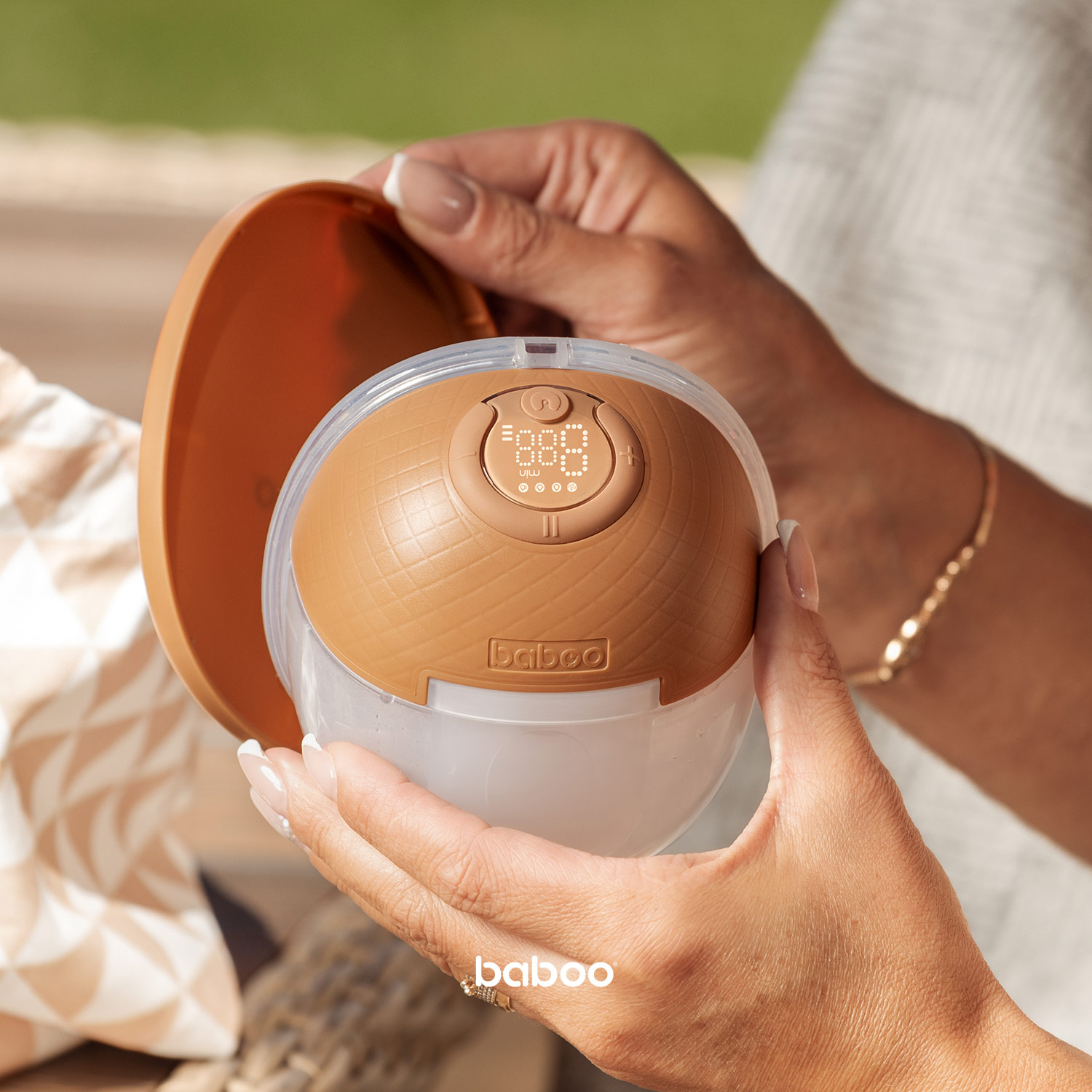
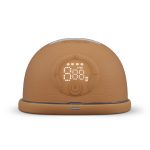
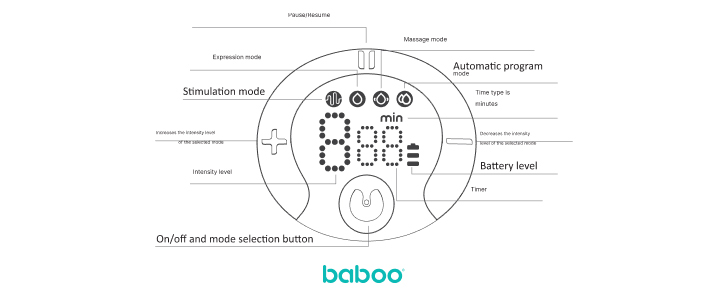
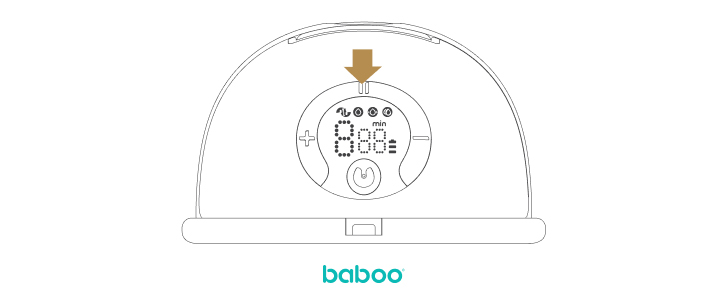
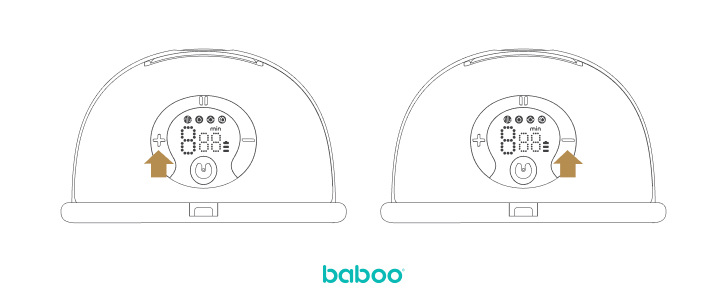
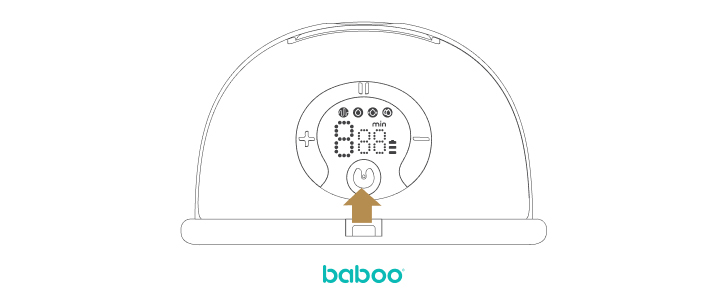
Wearable Pump LCD Screen Controls

Before each use
Make sure the pump is clean and completely dry. Wash the breasts thoroughly, massage the breasts and areolas. Relax to relieve any pain that may result from the milk flush.
Milk pumping
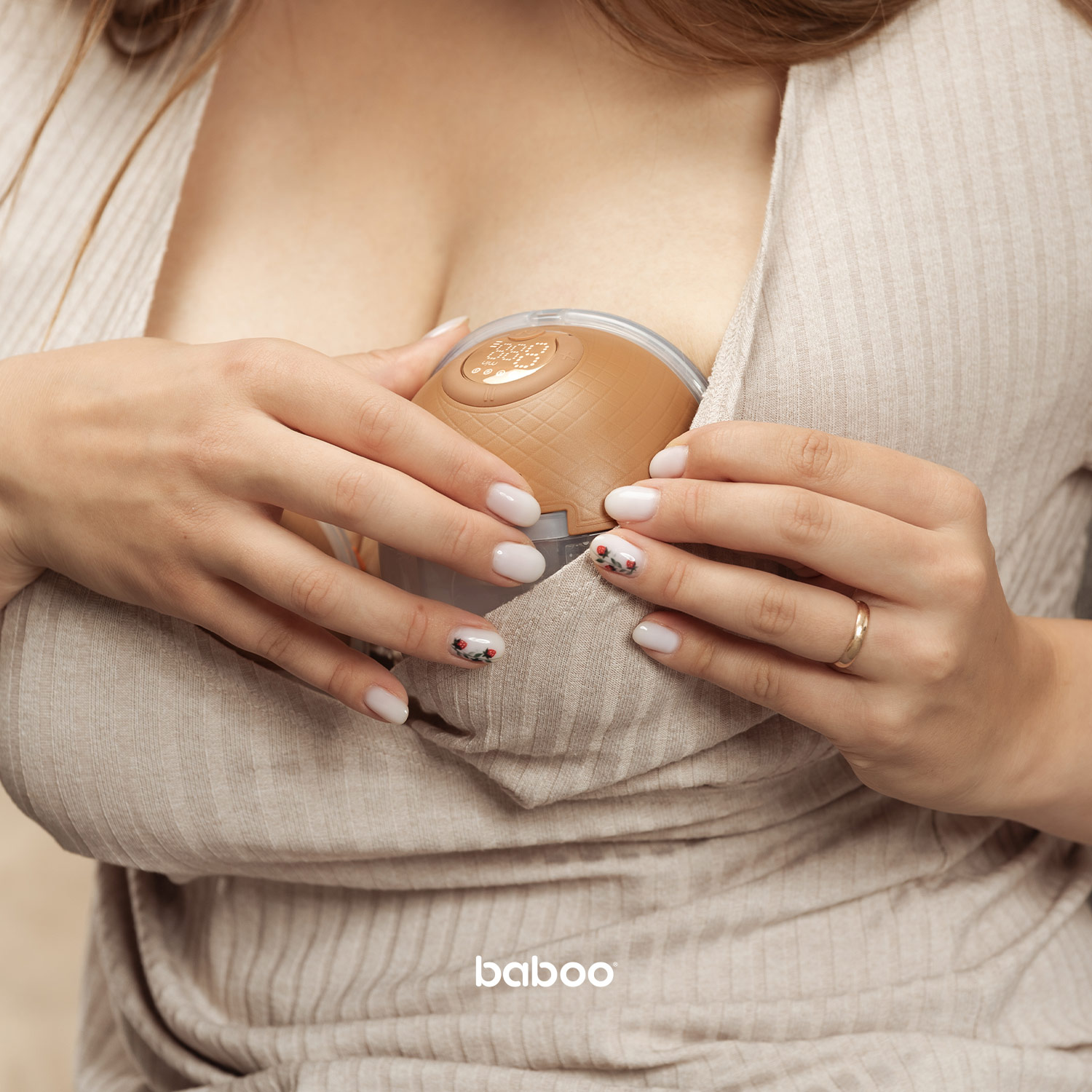
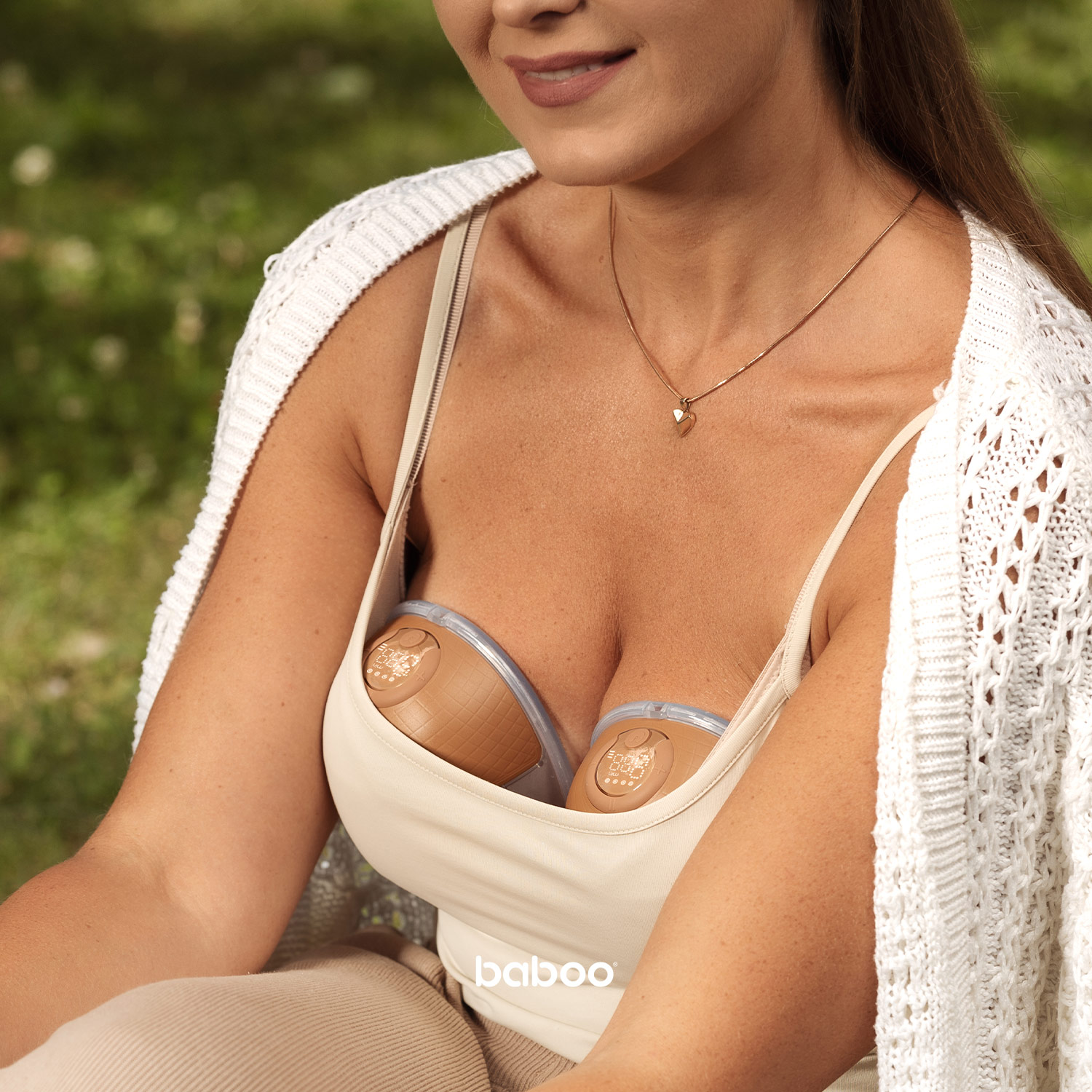
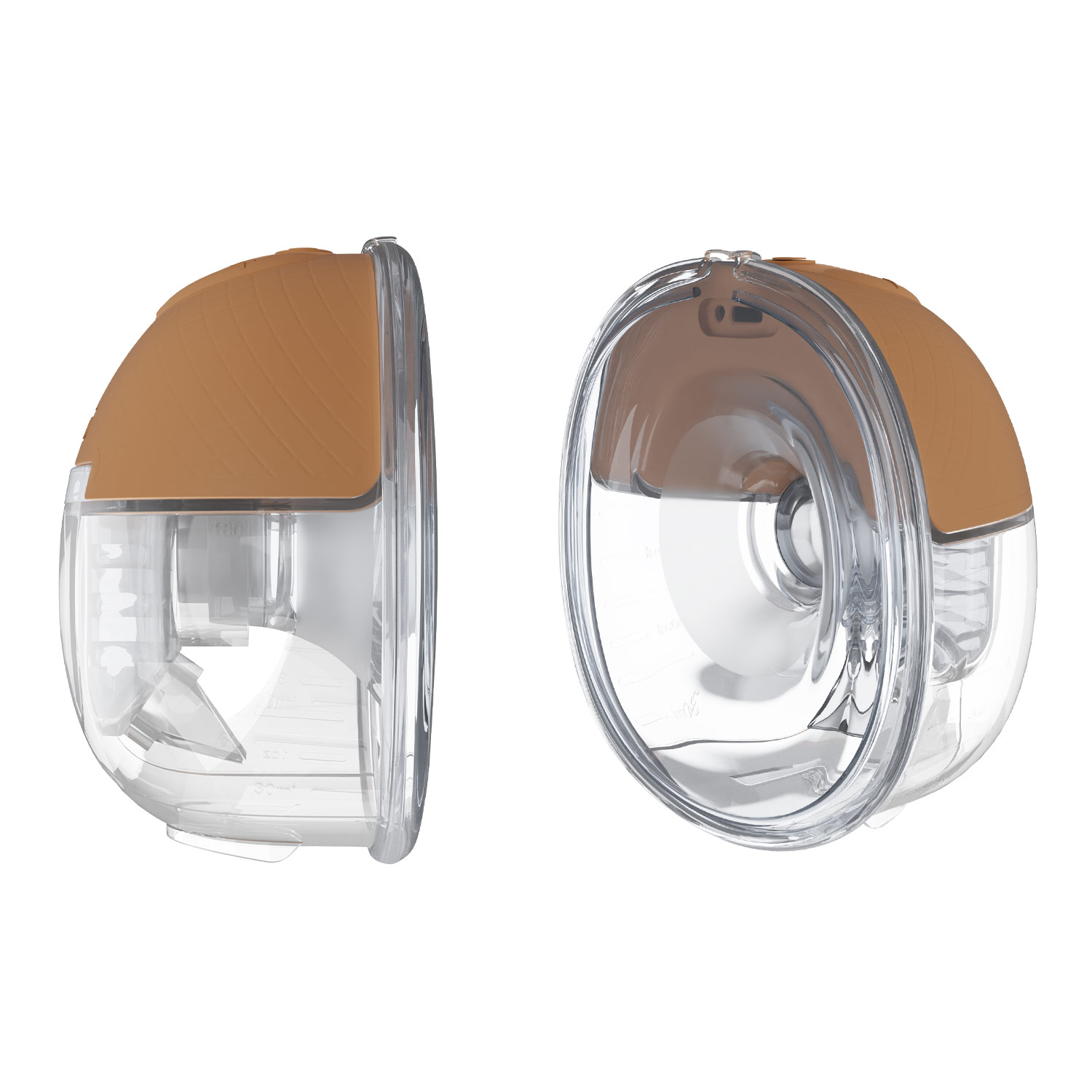
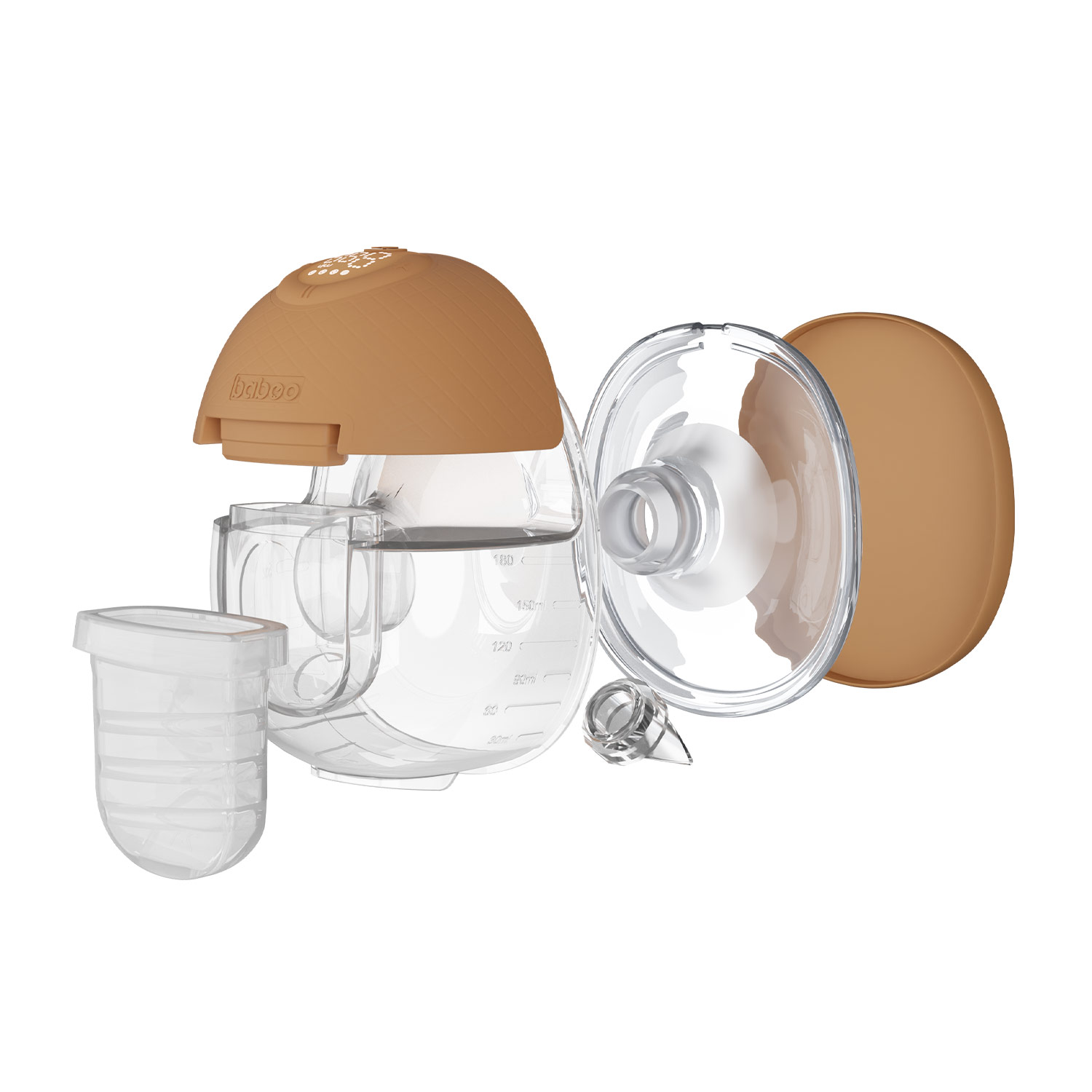
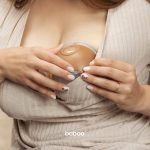
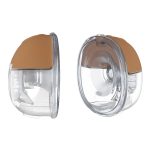
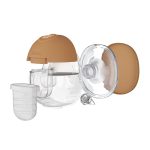
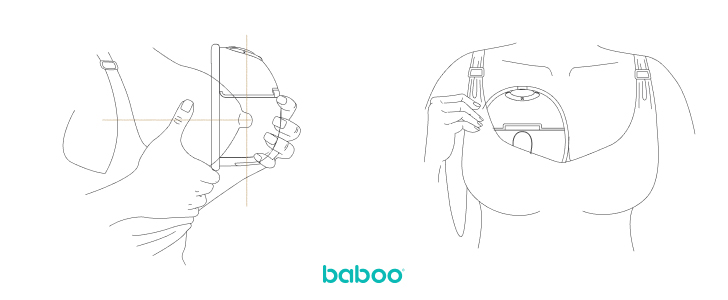
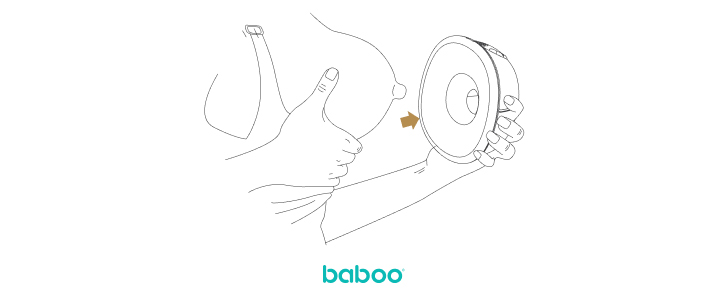
Place the breast pad firmly on the chest, leave no gaps, and make sure the breast nipple is centered in the funnel-shaped breast pad. Keep the pump vertically. Avoid changing the position of the breast and breast pump while pumping, otherwise the pump will not pump.
Get into a comfortable position
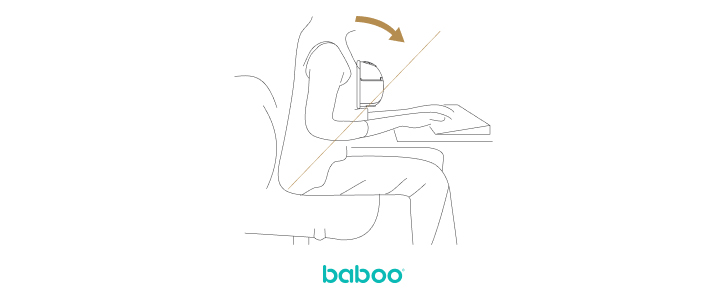
Relax and sit on a comfortable chair, lean straight forward (use a pillow to support your back). Make sure that the pump, including the milk collector, is in the upright position.
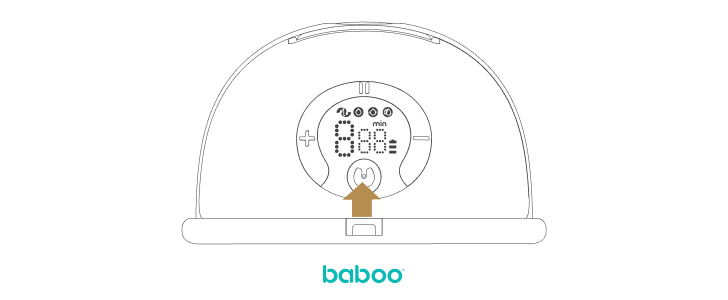
Press the on/off button. A long press of the pump button activates the pump.
A short press of the button will start the activated breast pump or PAUSE working breast pump.
Select a stimulation mode or an expression mode and set it to one of nine levels. You will feel “suction”.
Mode selection

Mode switching button
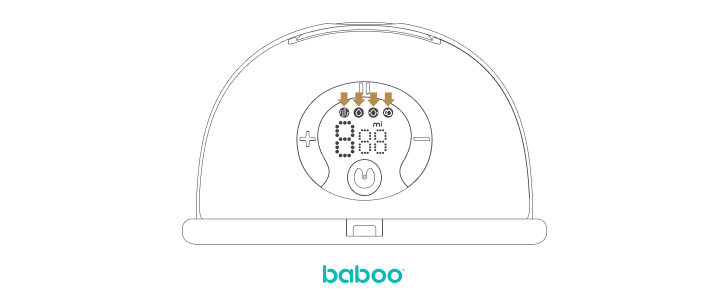
A short press of above button is used to switch between modes after the pump starts to operate. Press this button to select one of four modes (stimulation mode, expression mode, massage mode and combo mode).

Stimulation mode
If the indicator is on, it means that the stimulation mode is on. The stimulation mode helps to produce milk in case of milk absence.
Expression mode
If the above indicator light is on, the expression mode is activated. Use the expression mode to pump your milk.
Massage mode
If the above indicator is on, it means that the massage mode is on, the massage mode is used to relax the breast and to relieve possible pain in the event of a strong milk flush and swelling of the breast and to prepare the breast for pumping.
Automatic mode
If the above indicator is on, it means that the automatic mode is activated. Automatic mode is a combination mode that combines massage and expression modes. The massage mode is first activated and the massage intensity automatically increases. Then the pump is activated. This mode is most suitable for initial use of the breast pump until you have customized the settings to suit your needs.
There are nine levels of intensity for each breast pump operation mode. You can set the intensity level that is comfortable for you. A short press of the “+” button increases the intensity level, and a short press of the “-” button decreases the level.
When you choose an expression mode, you may select a slower expression mode after milk started to flow.Note: Don’t worry if the milk doesn’t start to flow right away. Relax and continue pumping. When you start using milk pump, you may need a more intense expression mode.
Depending on your feelings and preferences, you can use a more intense expression mode, which increases the speed of milk pumping. You can switch off the breast pump or select a less intense mode at any time Note: There is no need to use all expression modes. Only use the modes that are comfortable for you.
If pumping does not produce results, continue trying for no more than 5 minutes. Try pumping at a different time of day. If you feel pain or discomfort while pumping, stop using the pump and consult your doctor/breastfeeding practitioner. On average, it takes 10 minutes to pump 60 to 125 ml of milk. However, this is approximate amount.
When you have finished pumping, long press the button to switch off the pump.
Caution! This model has a built-in memory function, when you switch on the appliance for future use, the mode and intensity settings you last used will automatically be set. If you do not use the pump for 20 minutes, the pump will automatically switch off.
Completion of pumping
When you have finished pumping, carefully remove the pump from your breast when you have switched off. To relieve vacuum, place your finger between your breast and the breast pad.